5 AI Photo Editing Mistakes Beginners Make
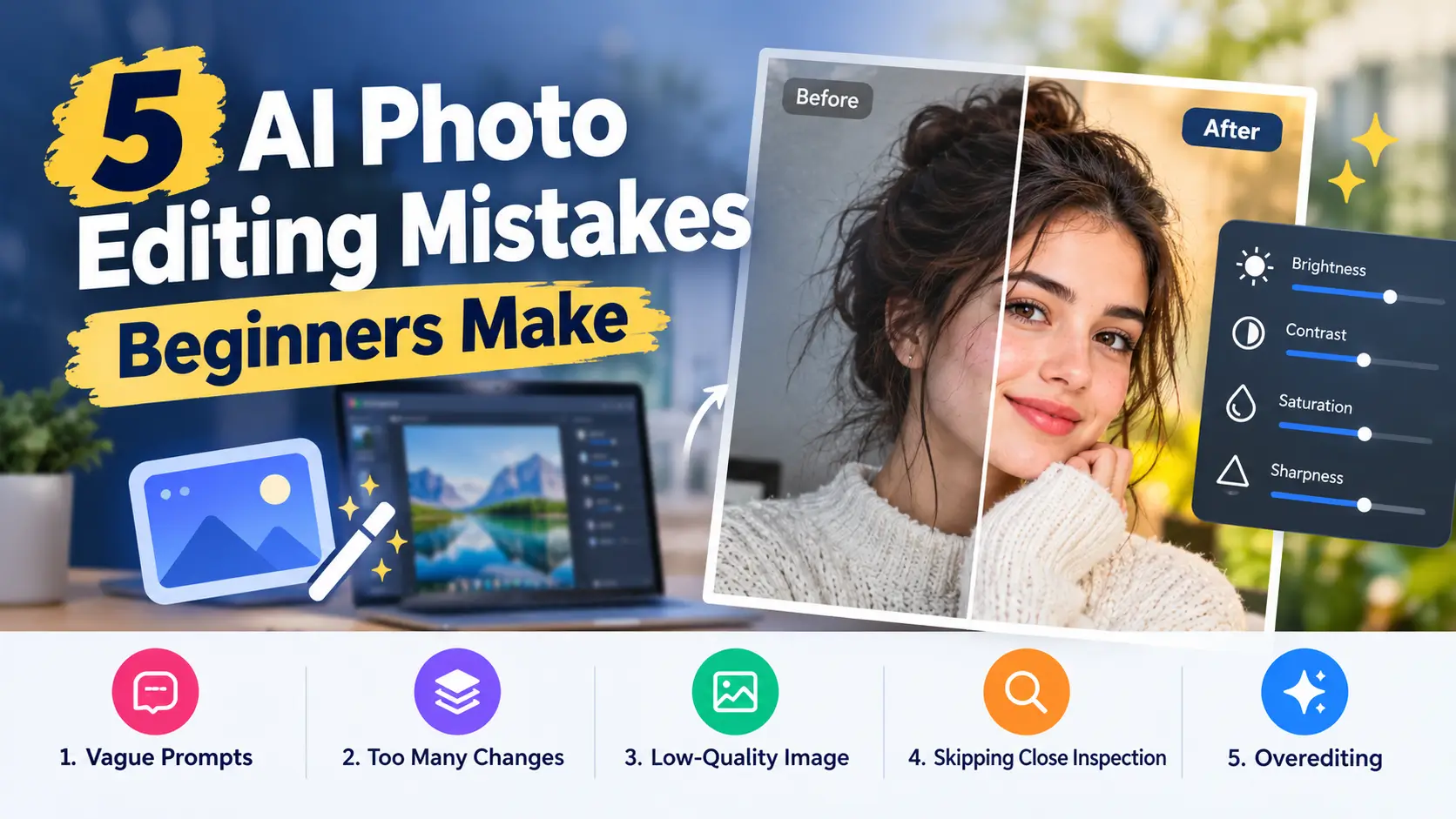
AI photo editing has made it possible for almost anyone to retouch an image, swap a background, or restyle a portrait in a few minutes. But easy does not always mean foolproof. Beginners often run into the same handful of problems, and most of them are simple to fix once you know what to look for.
Here are five common mistakes and practical ways to avoid them.
1. Writing Vague Prompts
The most frequent mistake is giving the model too little direction. Instructions like “make it look nicer” or “fix this photo” force the AI to guess, and its guess may not match what you had in mind.
How to avoid it: Describe the change as you would to a human assistant. Mention what should change, where, and in what style. “Warm up the tones, soften the background, and keep the subject’s face unchanged” gives the model clear boundaries. If the first result is close but not right, refine it with a short follow-up instead of rewriting everything.
2. Asking for Too Many Changes at Once
It is tempting to pack every idea into a single prompt: new background, different lighting, retouched skin, added props, and a vintage filter. The result is often muddled, with some instructions ignored and others applied unevenly.
How to avoid it: Edit in stages. Handle the background first, then lighting, then smaller details. Working step by step makes it easier to see which instruction caused which result, and you can undo one step without losing everything else.
3. Starting with a Low-Quality Source Image
AI can improve a photo, but it cannot fully rescue one that is extremely blurry, tiny, or badly framed. When the source lacks detail, the model has to invent it, and invented detail often looks artificial.
How to avoid it: Start with the best version of the image you have. Use the highest resolution available, avoid screenshots of photos when you can, and choose a shot where the subject is reasonably sharp. A good original gives the model something real to build on. For example, when you try a browser-based option such as the Nano Banana 2.5 photo editing tool, you will usually see cleaner, more believable results from a crisp upload than from a heavily compressed one.
4. Skipping the Close Inspection
At a glance, an AI-edited image can look flawless. Zoom in, and small problems appear: warped fingers, garbled text on signs, uneven edges around hair, or reflections that do not match the scene. Beginners often export and publish without checking.
How to avoid it: Before sharing, zoom in and review hands, eyes, text, edges, and anything reflective. If something looks off, try a more targeted prompt for that area or adjust the edit slightly. A thirty-second review can prevent an embarrassing mistake from going public.
5. Overediting Until the Photo Looks Fake
Because the tools are so powerful, it is easy to go too far. Skin becomes plastic-smooth, colors turn oversaturated, and backgrounds look like they belong to a different photo. The image may be technically impressive but feels unnatural.
How to avoid it: Aim for subtle improvements. Ask yourself whether the edit supports the photo or distracts from it. Keep natural textures, realistic lighting, and believable proportions. Comparing the edited version side by side with the original is a good way to check that you have not drifted too far.
A Few Habits That Prevent Most Problems
- Keep the original file. Always save an unedited copy so you can start over.
- Be transparent when it matters. If an image appears in news, advertising, or any setting where authenticity is expected, consider noting that it was AI-edited.
- Respect people’s privacy. Do not edit or share photos of others without their consent.
- Check usage terms. If you plan to use edited images commercially, read the tool’s licensing rules first.
Final Thoughts
None of these mistakes mean AI editing is hard to learn. They mostly come from moving too fast or expecting the tool to read your mind. Clear prompts, one edit at a time, a decent source image, a careful final check, and a light touch will carry you most of the way. With a little practice, prompt-based editing becomes a quick, reliable part of your creative routine.